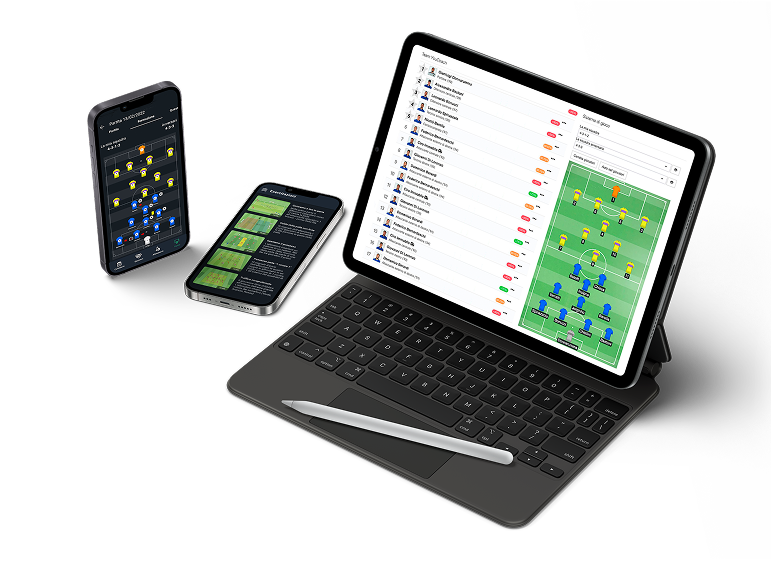










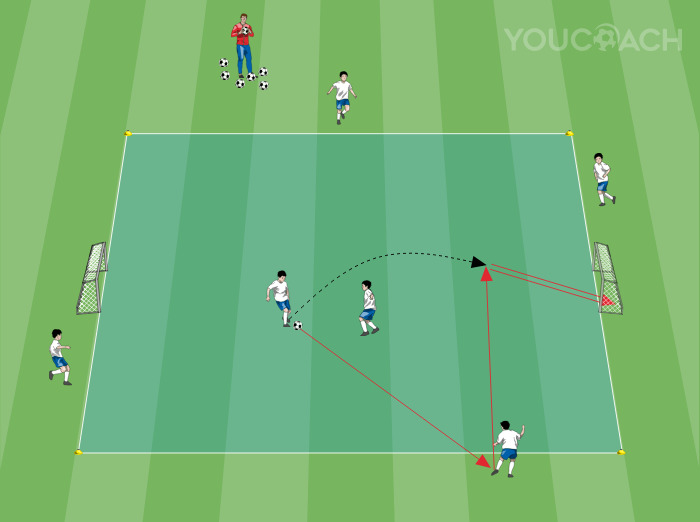
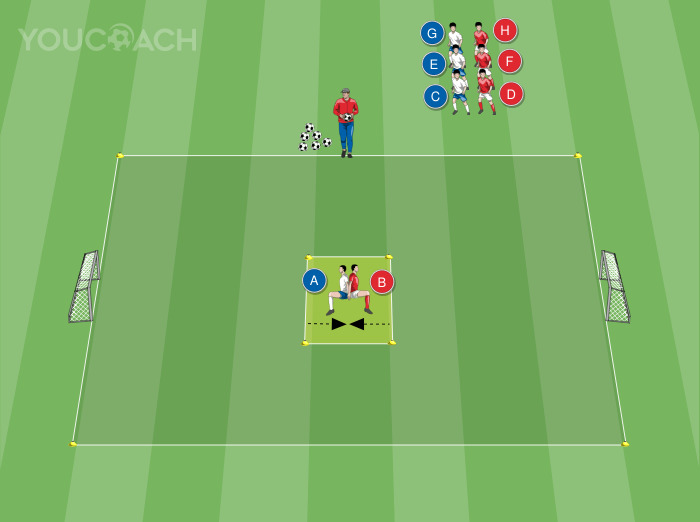
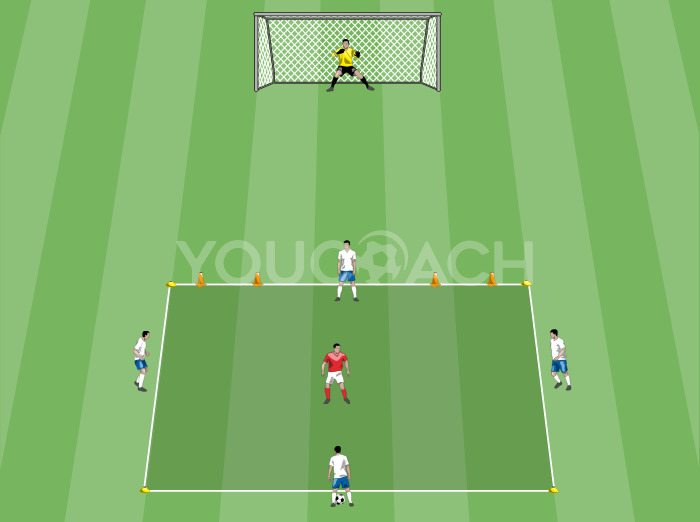
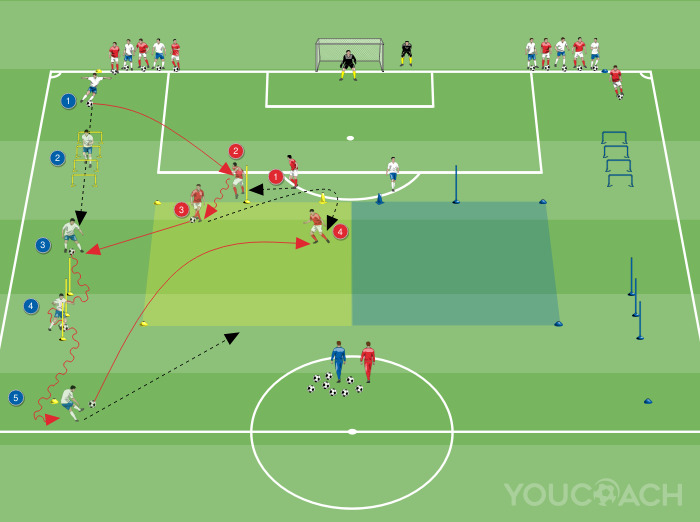

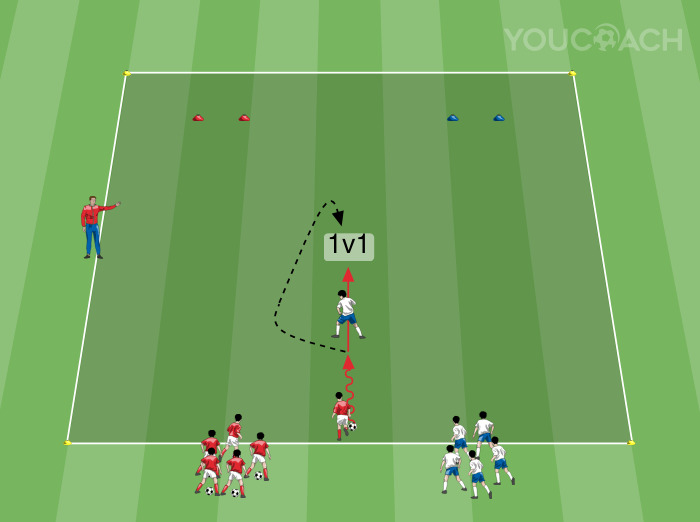
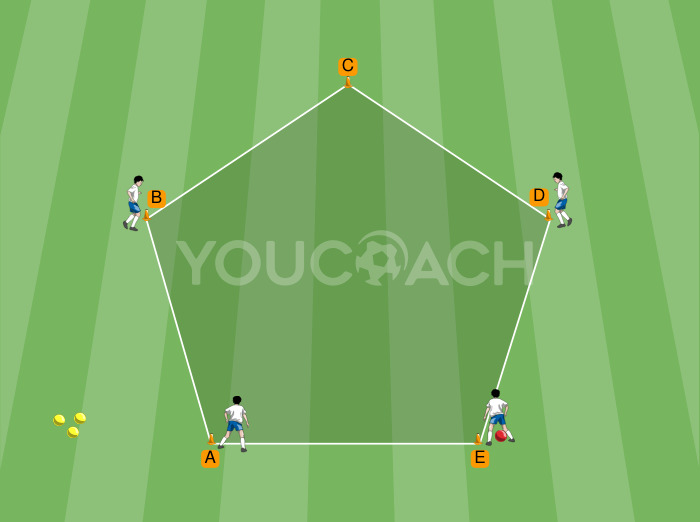
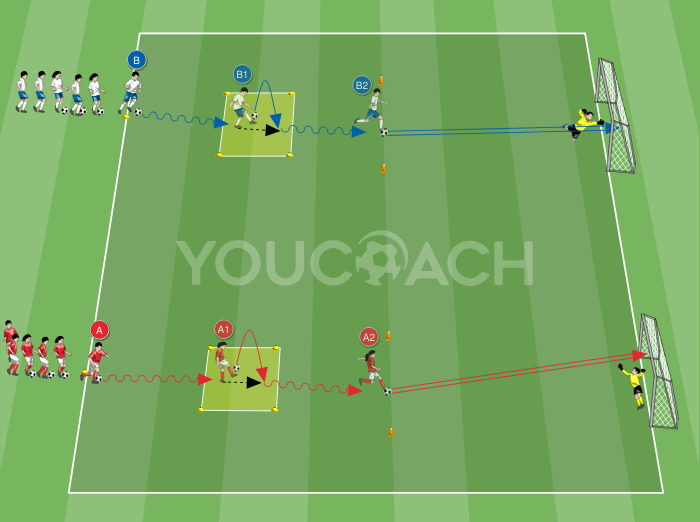
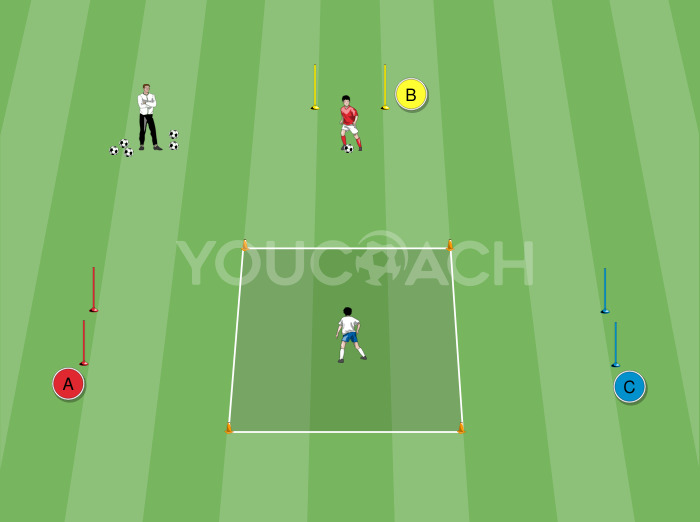
YouCoach App: the session planning software for your coaching philosophy
YouCoach App helps every soccer coach in the organization of the seasonal and weekly planning. Let’s see how you can use it to respect the season-plan provided by the U.S. Soccer Curriculum and how can you customize it
Organization
A good coach is a good planner who defines a training plan respecting the coaching guides and adapting them to her/his own ideas. In doing that, the coach needs simple and practical tools that respect season-plan provided by the U.S. Soccer Curriculum, adaptable to team’s needs and able deliver a more efficient training plan. Let’s see in this article how YouCoach App can help every coach in the seasonal and weekly planning.
Summary:
- YouCoach App: the app for your coaching philosophy
- Step by step, YouCoach App helps you to organize your own training plan according to your team needs
- STEP 1: how YouCoach App helps you to organize your macrocycles (or 12-week program cycle)
- STEP 2: how YouCoach App helps you to organize your microcycles (or week program)
- STEP 3: how YouCoach App helps you to organize your training sessions
YouCoach App: the app for your coaching philosophy
According to concepts and coaching guidelines of the U.S. Soccer Coaching Curriculum, the coaching method is based upon the following four complementary components (valid for every age group) and two more components, that comes from the components expressed by the player during a match:
- TACTICAL: aspects to improve game understanding
- TECHNICAL: aspects to game mastering
- PHYSICAL: aspects to increase performance
- PSYCHOSOCIAL: aspects to develop intelligent and mentally strong soccer players
- SET PIECES AND FORMATIONS: aspects that help team organization
- GOALKEEPING: specific technical, tactical, physical and psychosocial goalkeeping aspects.
The following image, provided into the U.S. Soccer Curriculum, exploit every component with the detail of the specific coaching content.
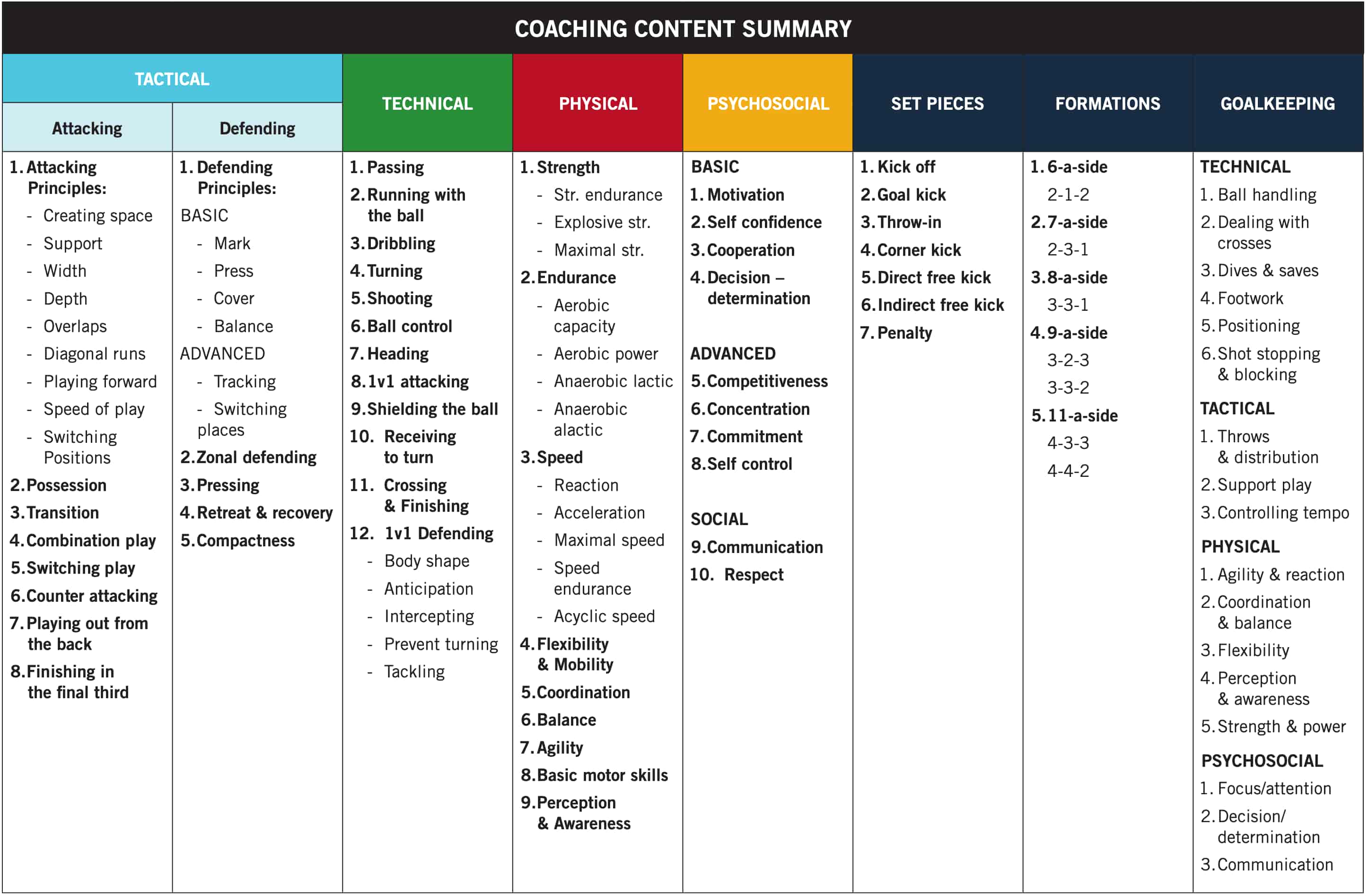
U.S. SOCCER CURRICULUM: Concepts and Coaching Guidelines
The same coaching content overview is also present in YouCoach App, with the same soccer-specific terminology provided by the U.S. Soccer Curriculum.
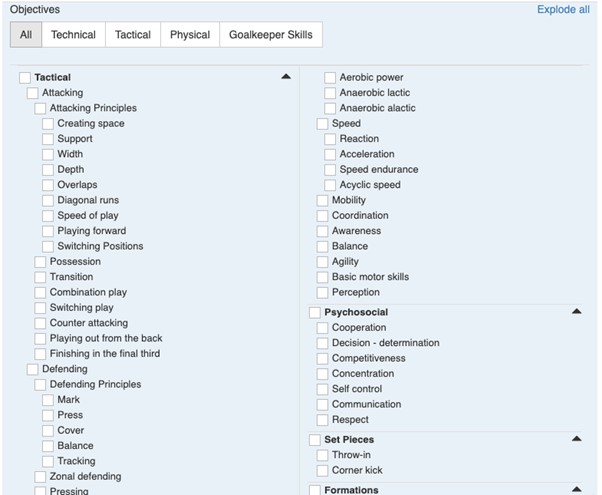
Coaching content overview in YouCoach App
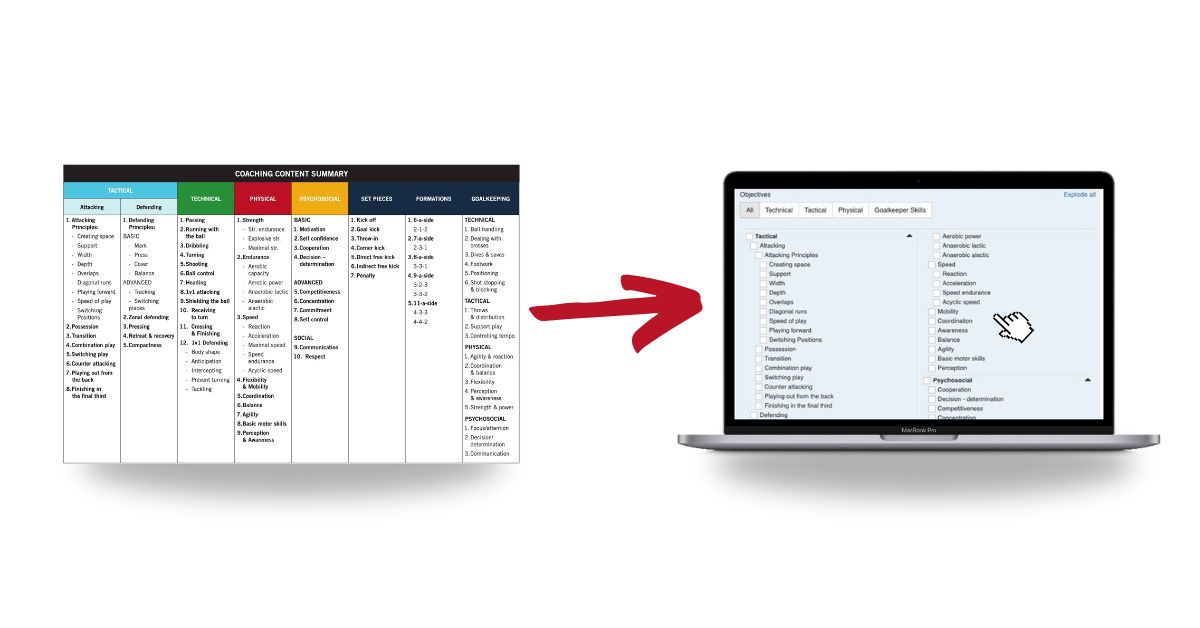
These coaching contents can be used in YouCoach App for:
- the season plan (explained in the following section)
- the training session (explained in this article)
- the drills and soccer practices (explained in this article)
Of course, the different coaching contents can be adapted to the different Age Group and Stages:
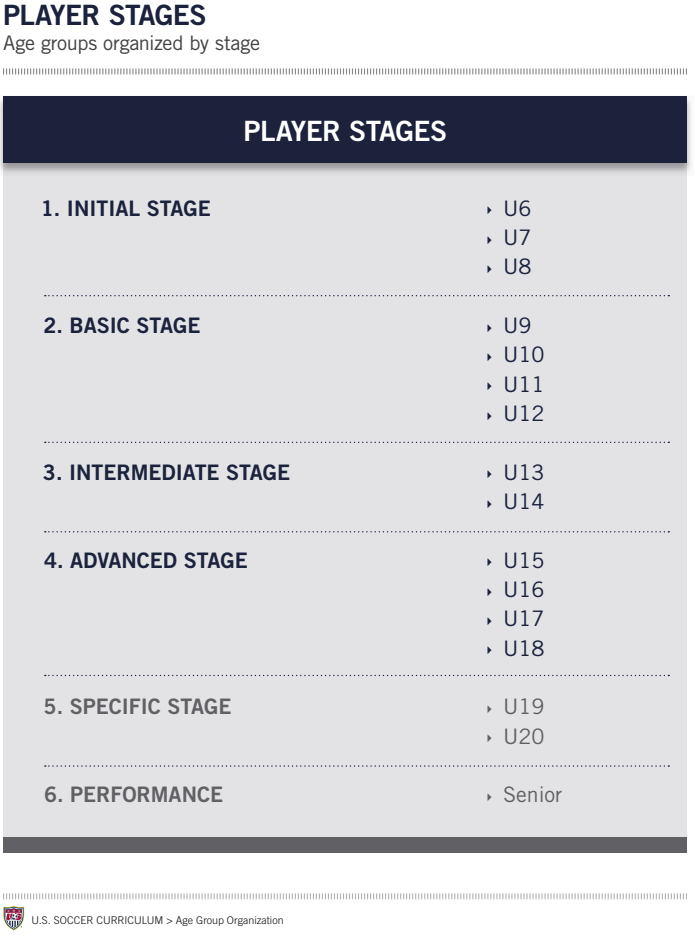
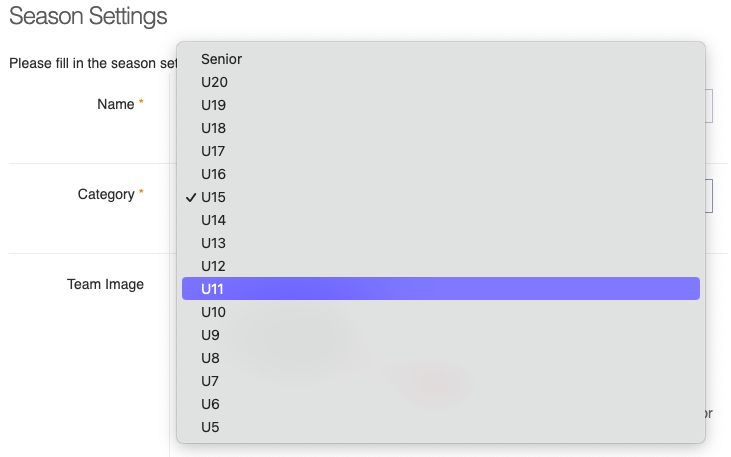
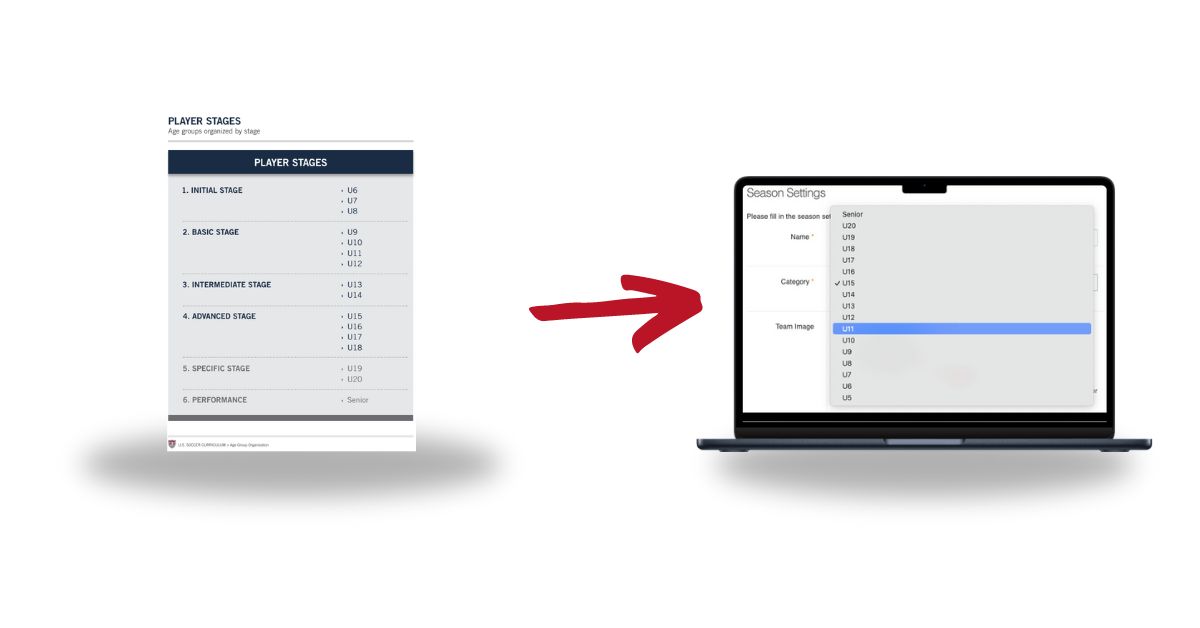
A comparison between US Soccer Curriculum and YouCoach App's Age Group and Stages
How the U.S. Soccer Curriculum present the players age groups and stage. The same age groups are available also in YouCoach App.
| HOW TO: EDIT THE AGE GROUP OF YOUR TEAM WITH YOUCOACHAPP |
|---|
|
Step by step, YouCoach App helps you to organize your own training plan according to your team needs
Planning the session correctly, for the week and the season, will help the coach identify the team’s needs and deliver a more efficient training session.
The steps to follow when preparing a season plan are:
- STEP 1: macrocycles (or 12-week program cycle);
- STEP 2: microcycles;
- STEP 3: training sessions.
YouCoach App helps the soccer coach in each of these steps. Here how it can be use according the U.S. Soccer Curriculum.
STEP 1: HOW YOUCOACHAPP HELPS YOU TO ORGANIZE YOUR MACROCYCLES (OR 12-WEEK PROGRAM CYCLE)
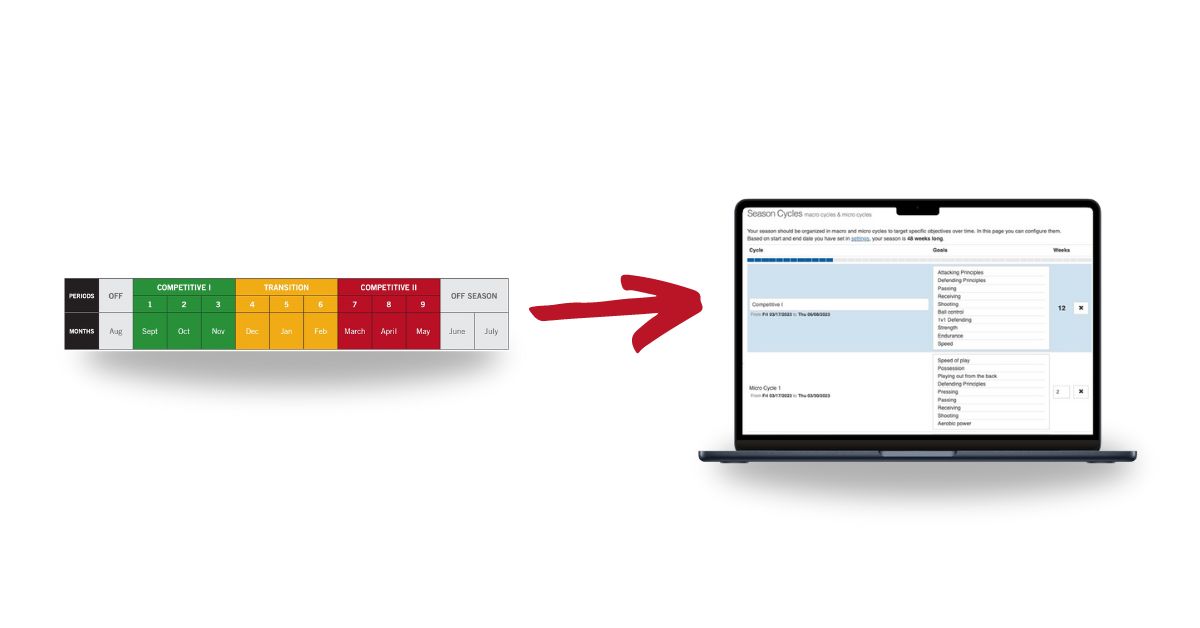
Generally, the U.S. Soccer Curriculum suggests to organize the season plan into two competitive periods (period when the team is training and playing games regularly), one transition period (in between competitive periods) and off-season periods.
Considering the three main periods (competitive 1, transition, competitive 2), the season is based on three 12-week cyclic periods. Each one of these 12-week periods is called a macrocycle. In other words, the season plan is made by:
- Macrocycle 1 for the Competitive period 1: 12-week program cycle
- Macrocycle 2 for the Transition period 1: 12-week program cycle
- Macrocycle 3 for the Competitive period 2: 12-week program cycle
This 12-week period will be similar in structure in all three stages of the season and it ensures that all key elements in the curriculum are covered for each stage and age group.
Here is the official example structure for a season with three different periods for intermediate and advanced stages:

U.S. Soccer Curriculum Season Plan periods
STEP 2: HOW YOUCOACHAPP HELPS YOU TO ORGANIZE YOUR MICROCYCLES (OR WEEK PROGRAM)
Once the distribution of contents in the 12-week cyclic periods is done, it’s time to distribute them in the week program. Each week has a main technical, tactical and physical objective specified in the macrocycle. However, each team is different and has its own learning dynamic.
The annual and weekly plan is flexible and adaptable by coach according to the team’s needs. For this reason, the coaches needs a tool that is flexible and customizable. With YouCoach App you can edit the week plan everytime you need.
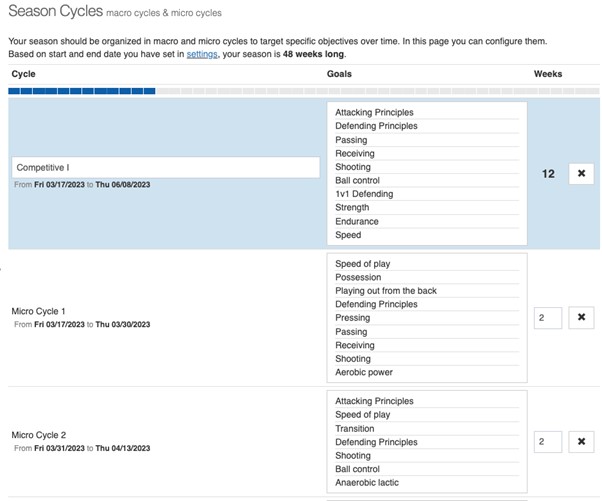
YouCoach App Season Cycles: macro cycles & micro cycles
|
HOW TO: SET THE MACROCYCLE AND MACROCYCLE FOR YOUR SEASON PLAN WITH YOUCOACHAPP? HOW TO DISTRIBUTE THE CONTENTS DURING THE SEASON PLAN WITH YOUCOACHAPP? |
|---|
|
YouCoach App by-default sets the macrocycles and microcycles for your season plan according to the Age Group you set in the previous step. You don’t have to do anything more, YouCoach App will do it for you! If you want to do any change:
All these steps are very important for your season plan: YouCoach App will automatically collect data and statistics on your season. |
STEP 3: HOW YOUCOACHAPP HELPS YOU TO ORGANIZE YOUR TRAINING SESSIONS
The structure of the training session suggested by the U.S. Soccer Curriculum is the same way for all age groups and it is organized into these blocks:
- Warm-up
- Main part
- Technical
- Tactical
- Physical exercises
- Scrimmage
- Cool down & Debrief
The only exception to this organization is for players in the initial stage, which cover only technical, physical and psychosocial objectives because of the age and developmental characteristics of this group:
- Warm-up
- Main part
- Physical
- Technical simple
- Technical complex
- Scrimmage
- Cool down & Debrief
When the coaches organize the single session, they need to take into consideration also these flexible aspects that help to manage the practice:
- Space
- Time
- Intensity
- Rules
- Number of players
Here is a summary of the structure of the training sessions recommended by the U.S. Soccer Curriculum.
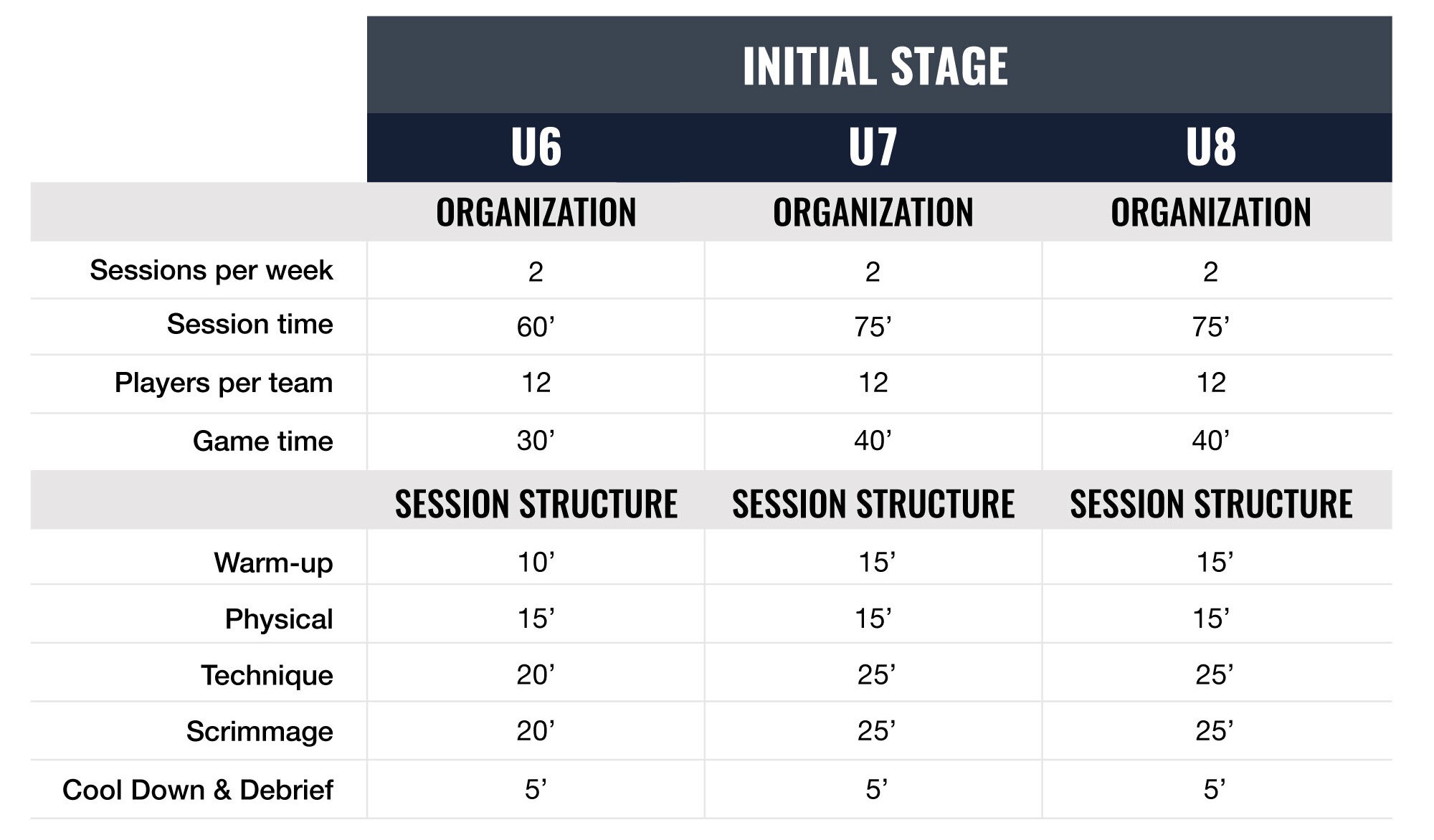
U.S. Soccer Curriculum Initial Stage: U6, U7, U8
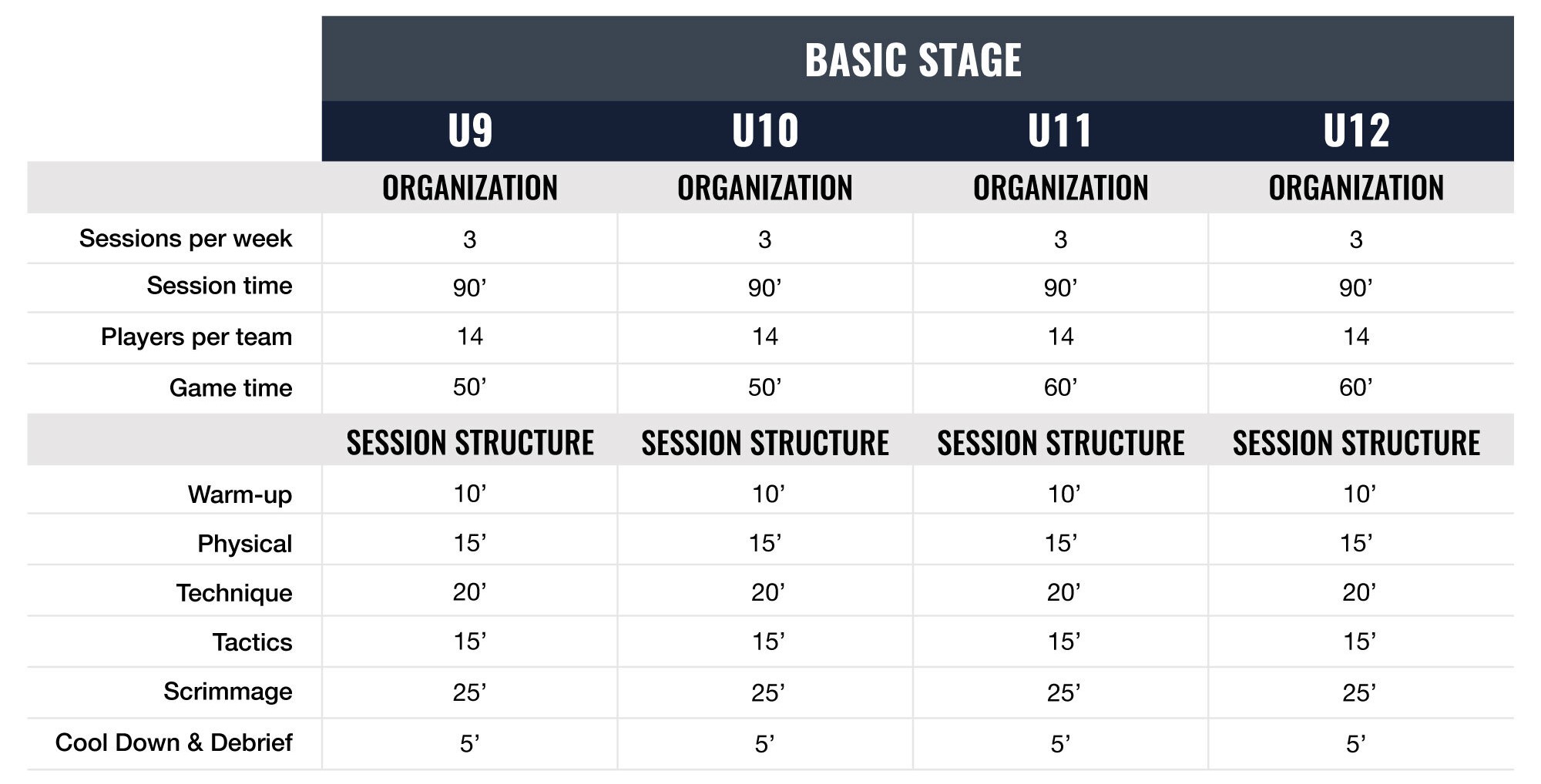
U.S. Soccer Curriculum Basic Stage: U9, U10, U11, U12
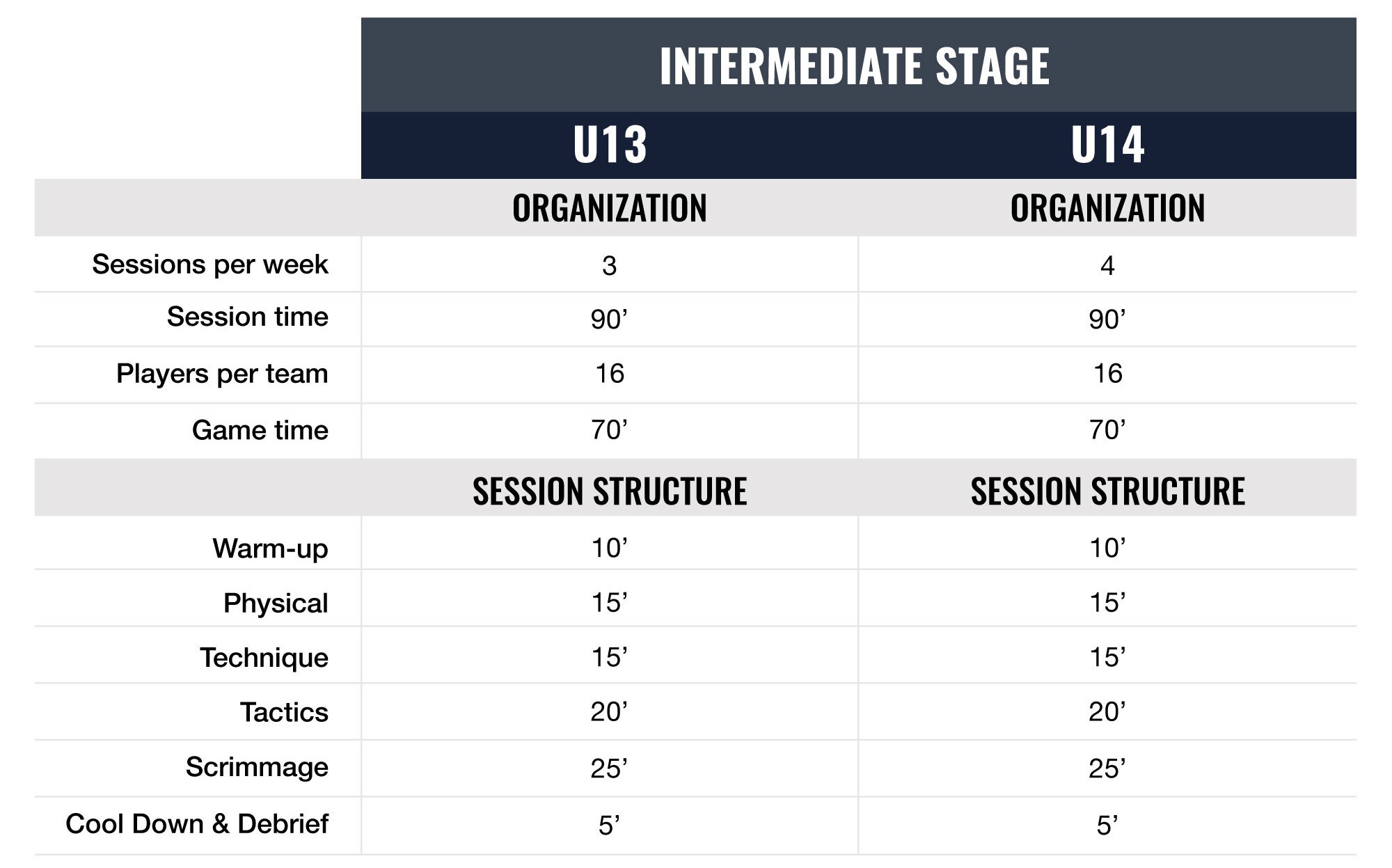
U.S. Soccer Curriculum Intermediate Stage: U13, U14
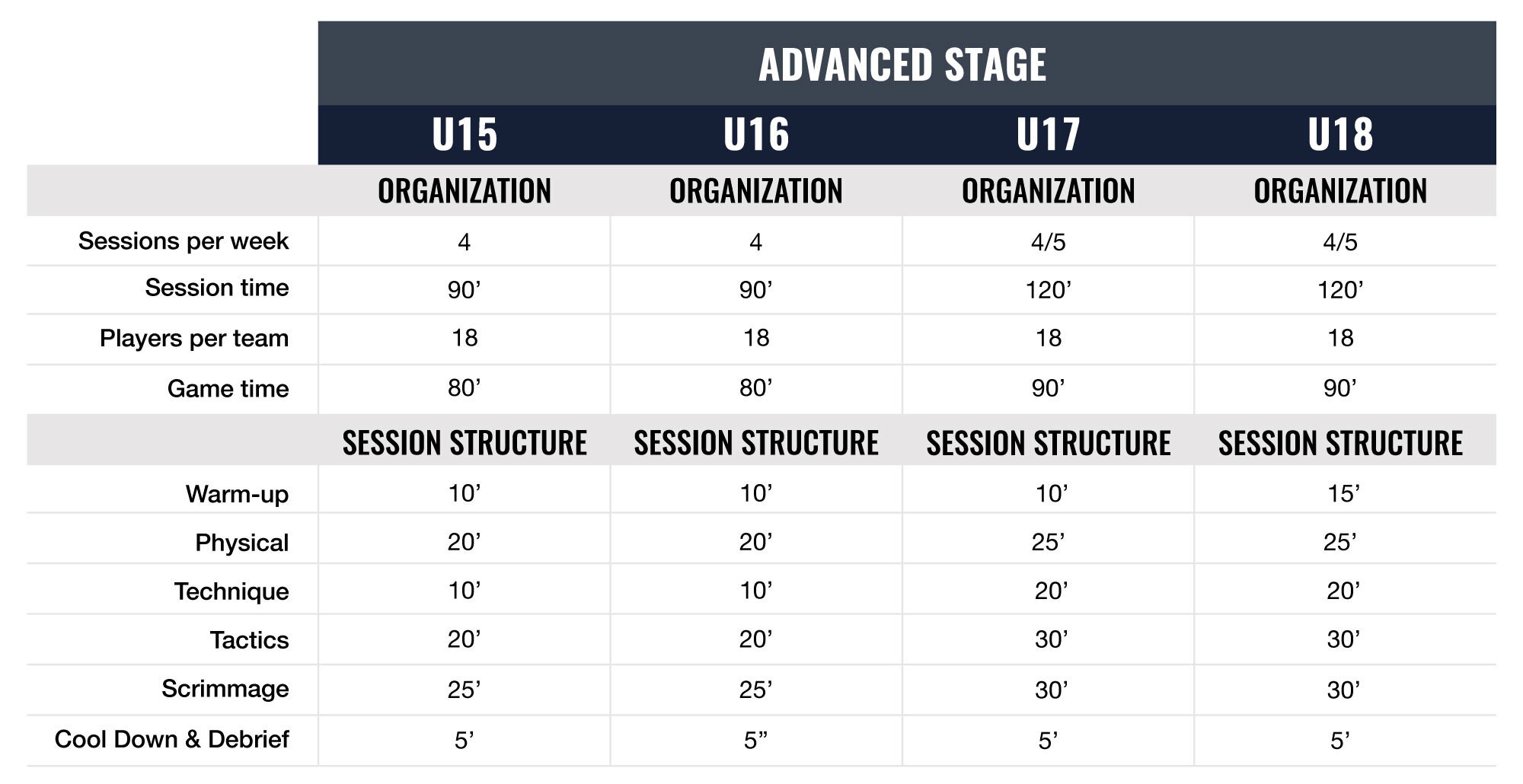
U.S. Soccer Curriculum Advanced Stage: U15, U16, U17, U18
With YouCoach App you can divide the season into training phases, establish weekly objectives, and suggest drills suitable for age or skill levels. Assign plans to specific teams or groups.
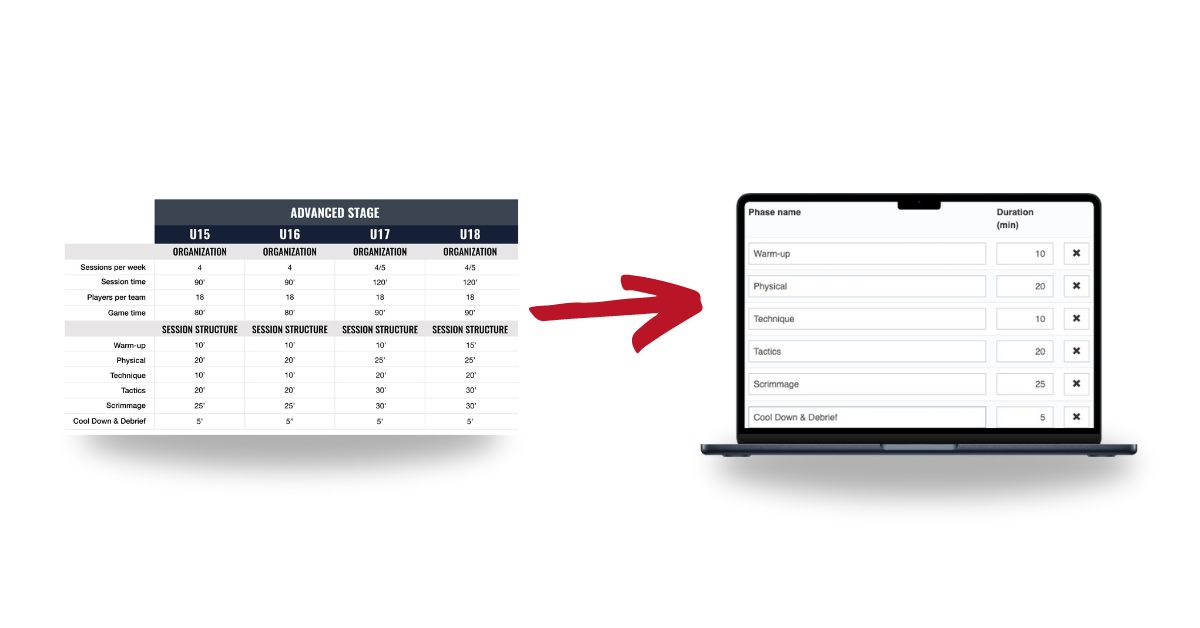
In YouCoach App you can find the structure of the trainings suggested for the different Age Group: this will definitely helps you to organize your training session according to the official guidelines of U.S. Soccer Curriculum. Of course, if you want you can edit them, customize the, and edit all the aspects of the session according to your personal preferences.
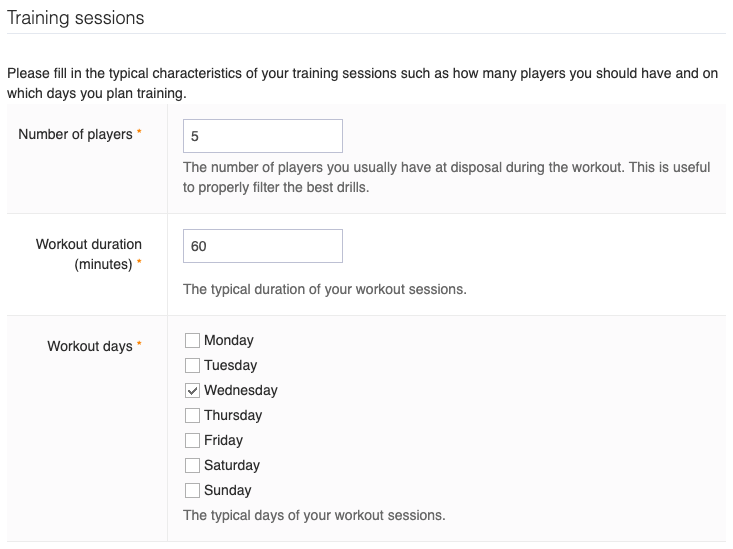
Training sessions plan and structure in YouCoach App
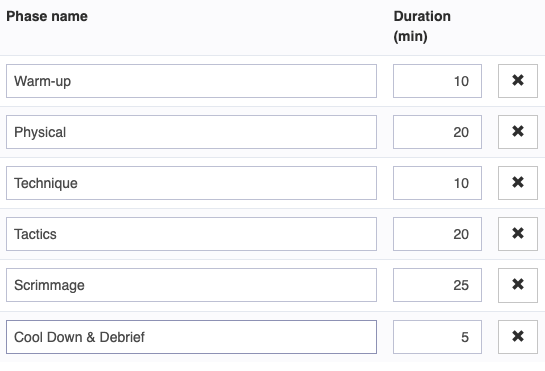
Training session phases in YouCoach App
| HOW TO: SET OR MODIFY THE STRUCTURE THE TRAINING SESSION WITH YOUCOACHAPP? |
|---|
|
YouCoach App by-default sets the structure of the training session when you select the Age Group you set in the previous step. You don’t have to do anything more, YouCoach App will do it for you! If you want to do any change in the structure of the training session:
All these steps are very important for your season plan: YouCoach App will automatically collect data and statistics on your season Read this article to discover more Need more informations about the Seasons details? |
In YouCoach App you’ll find the same structure also when you create your training sessions. This is very helpful to be alway aligned with your coaching method.
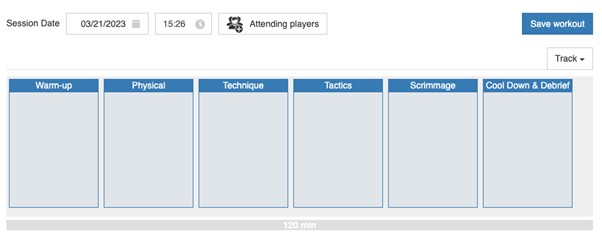
YouCoach App drag and drop session planner organized in training phases
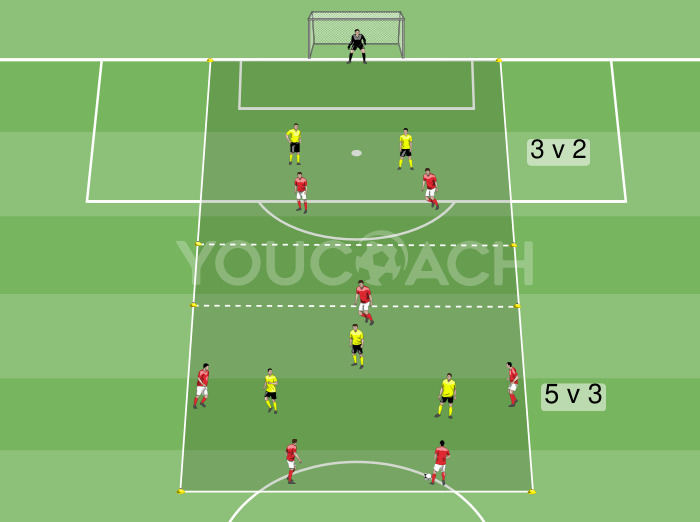
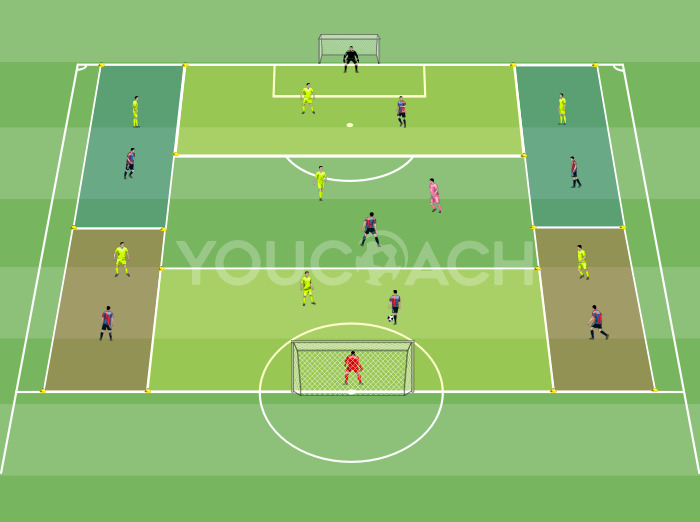
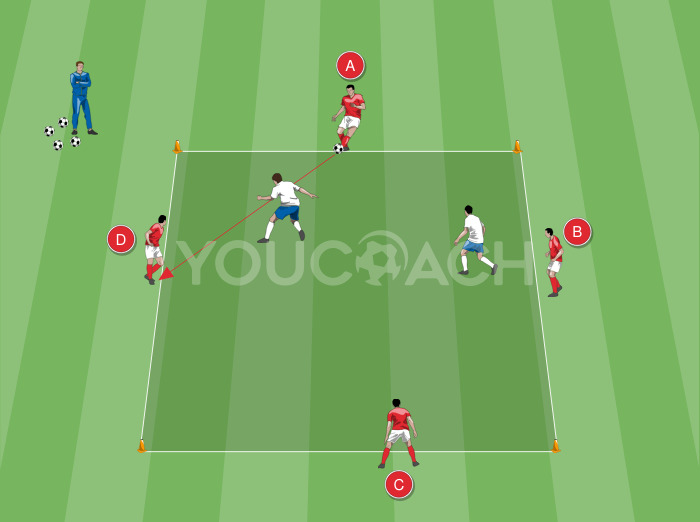
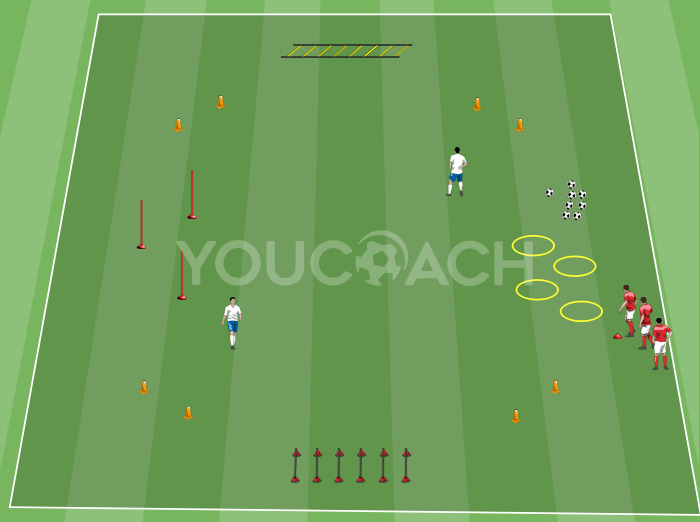
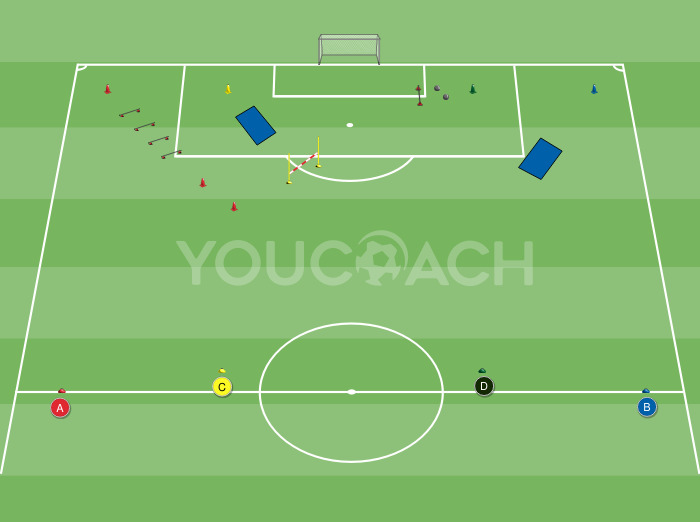
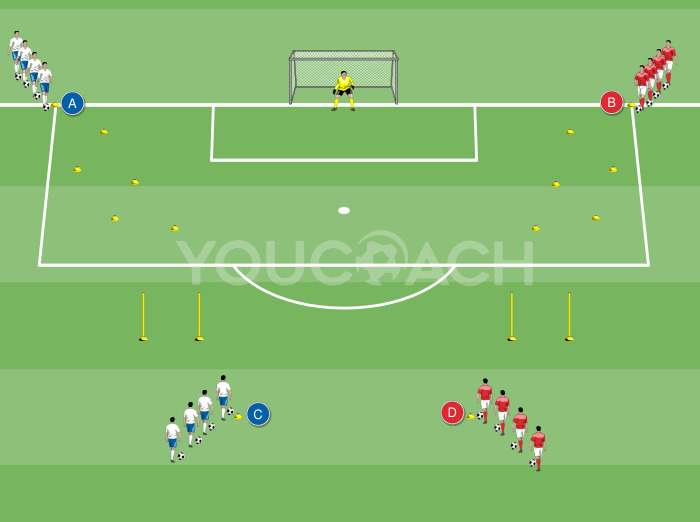
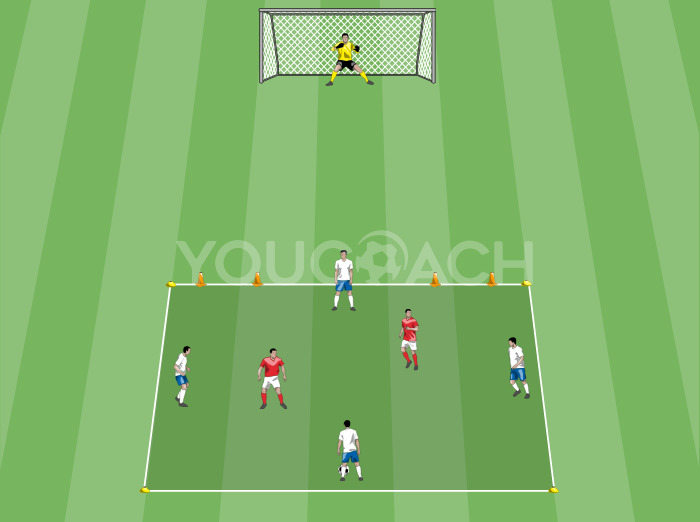
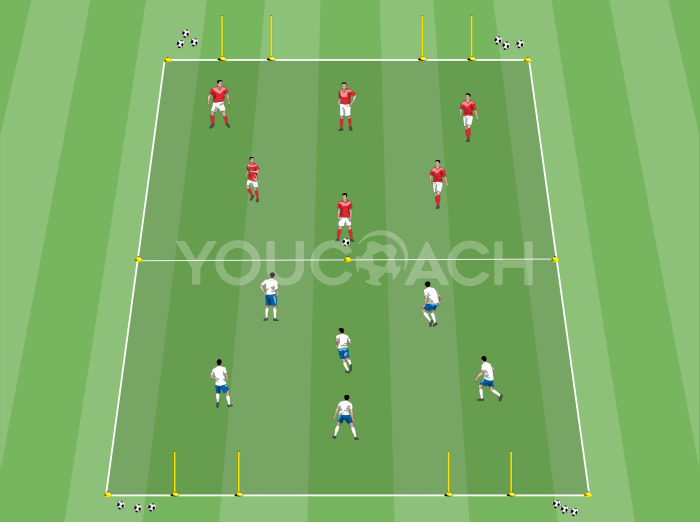
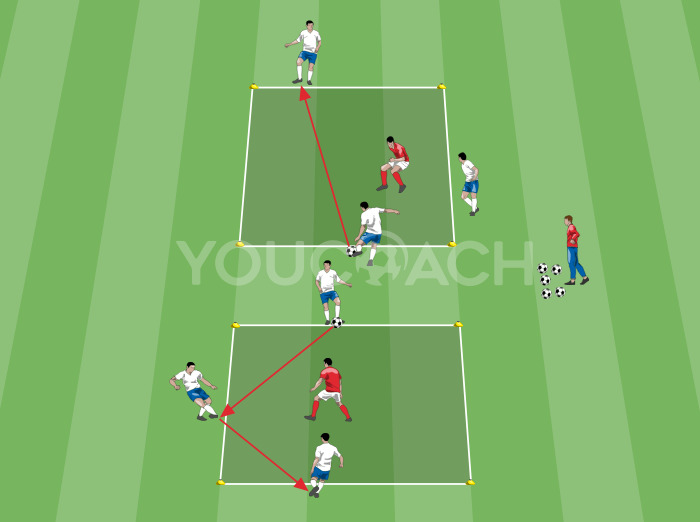
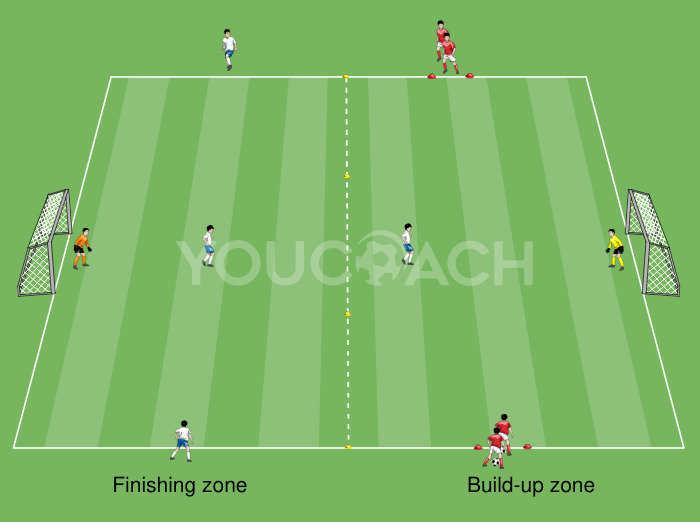
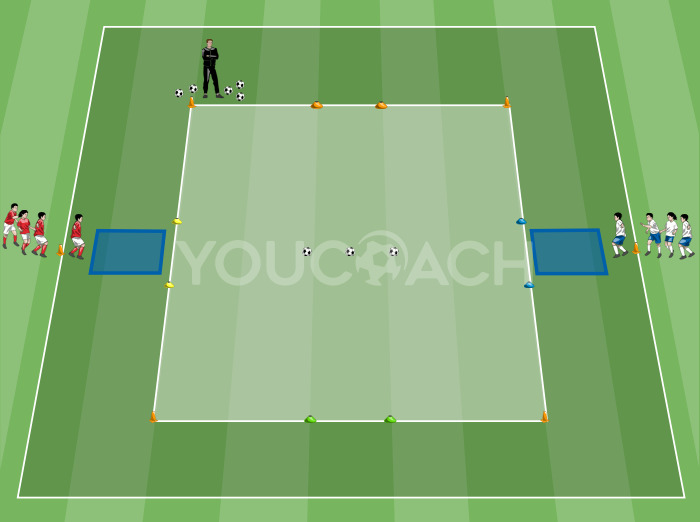
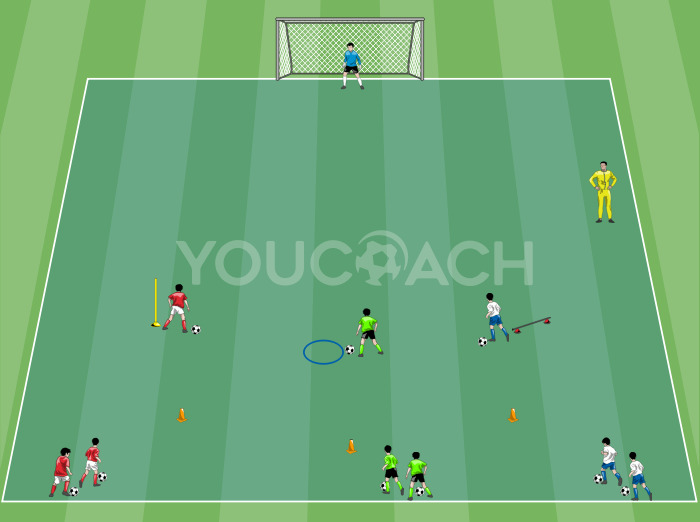
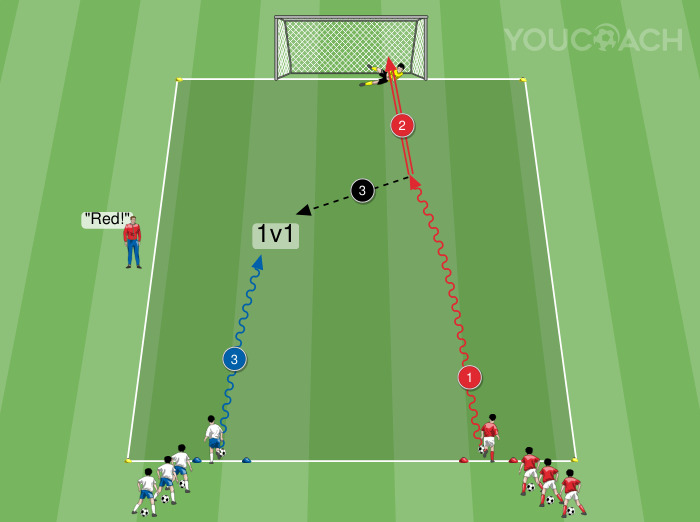
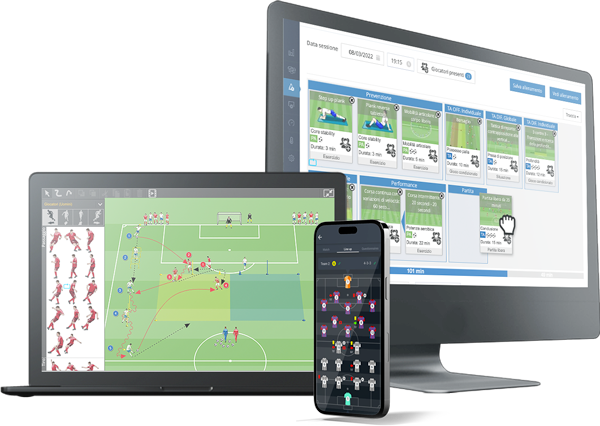
Our drag-and-drop practice planner comes equipped with a vast array of pre-loaded drills, along with detailed instructions on their execution and key points to emphasize.
| HOW TO: CREATE AND EDIT A TRAINING SESSION? |
|---|
|
Read these articles to get the best from YouCoach App with training sessions:
All these steps are very important for your season plan: YouCoach App will automatically collect data and statistics on your season. |
Coaches can now use YouCoach App’s exercises library to choose and select appropriate drills for the team or create his/her own training sessions.
For a deeper understanding on how use the YouCoach App’s drill library, check this article.
To know how to create a personal drill library and use our graphic software, check this article and this article.
As your work progresses through the season, you can monitor the workload of the whole season, of the macrocycles and microcycles, of the single training sessions. Check THIS article to go deeper in the statistics!
Conclusion
We hope you’ve appreciate how YouCoach App can be a great tool to implement your personal season plan or following the technical program suggested by U.S. Soccer Curriculum: a smart tool to match your personal needs with the official guidelines.
Of course every coach should continue studying and get experiences to acquire a solid knowledge and get stronger coaching style, ability to organize and improve the coaching environment of the team, adaptin the work according to the players needs.
Photo credits: Erik Drost, CC BY 2.0, via Wikimedia Commons
.jpg)